Global Search Redesign
The learning management system for employee training and customer education, offering tools for course creation, delivery, tracking, and reporting.
 Figma
Figma Miro
Miro
About
An LMS used for employees, customers, and partner trainings across two primary user roles: learners (who consume content) and administrators (who create, manage, and report on it).
Problem at scale
Between 2023 and early 2024, search-related issues generated 200+ support tickets. Search had become a blocker for productivity and a leading driver of support costs.
Understanding the Problem
The legacy search experience lacked consistency, predictability, and relevance. But the real issue was deeper: learners and admins had fundamentally different needs, and the system treated them identically.
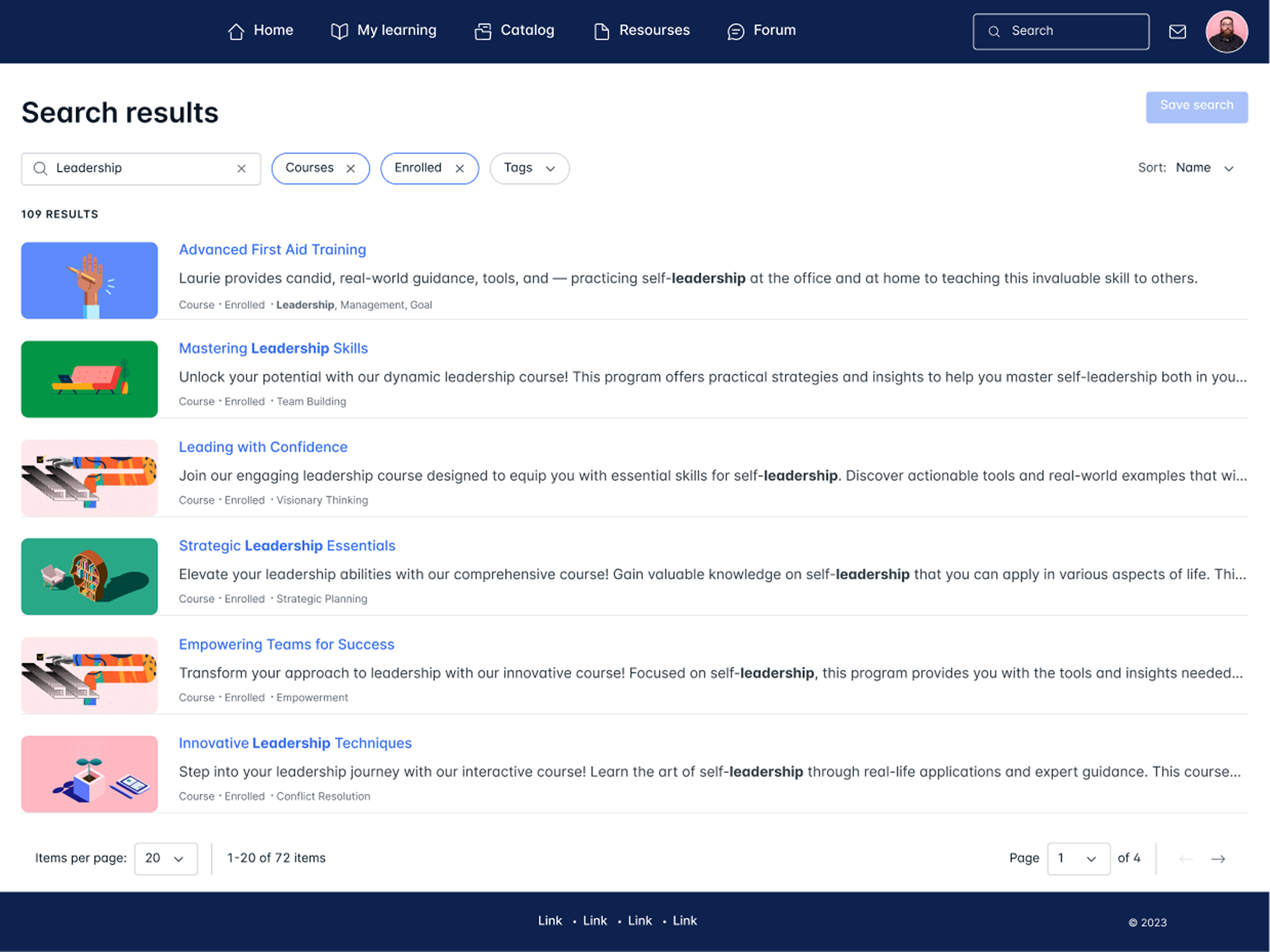
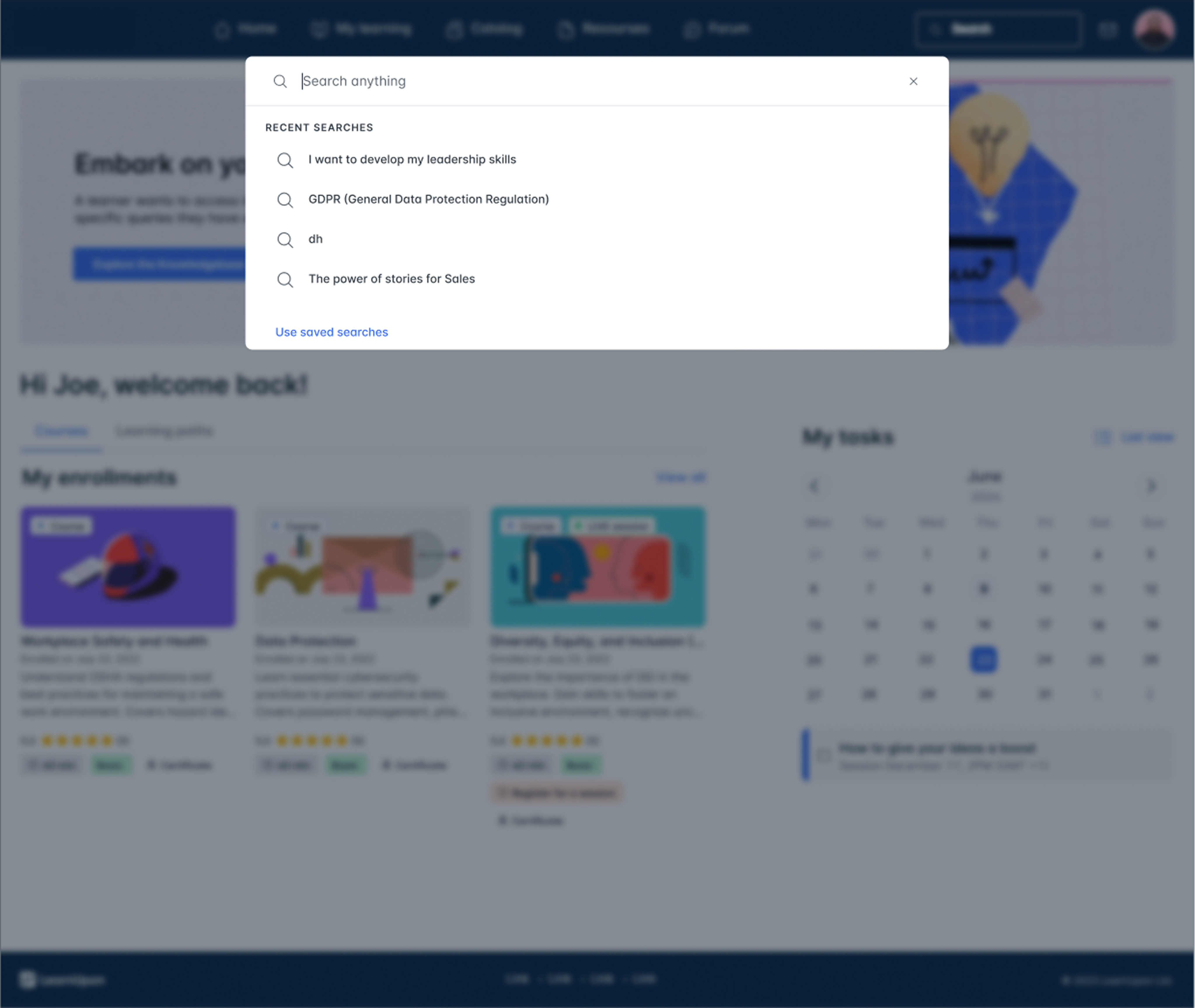
Learners search
Global search was often unintuitive and inefficient for learners. Many struggled to find relevant courses or resources, often receiving no results or irrelevant suggestions. As a result, learners tended to bypass search altogether and navigated directly to the catalog or specific sections, highlighting shortcomings in usability and discoverability.
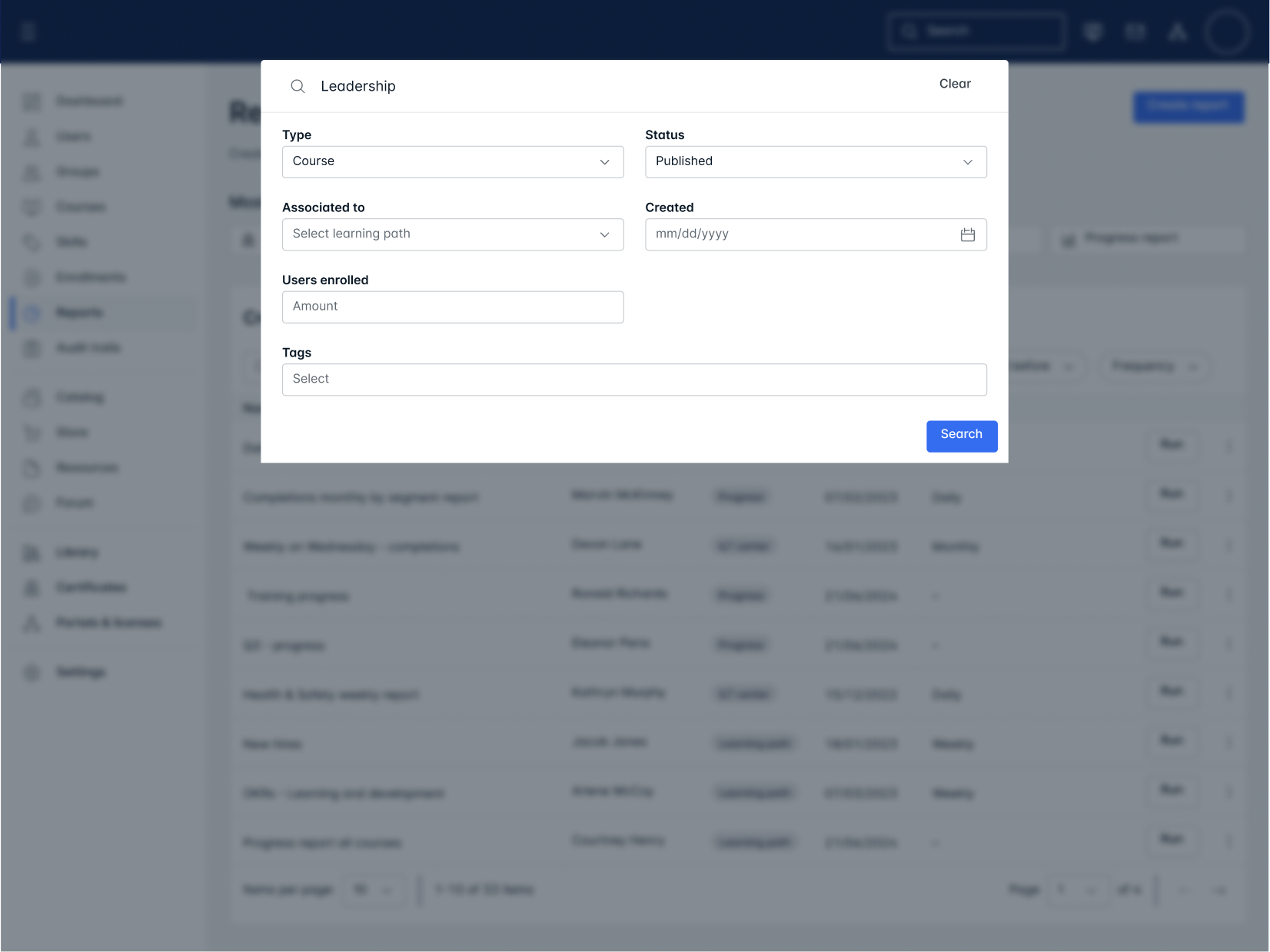
Admin search
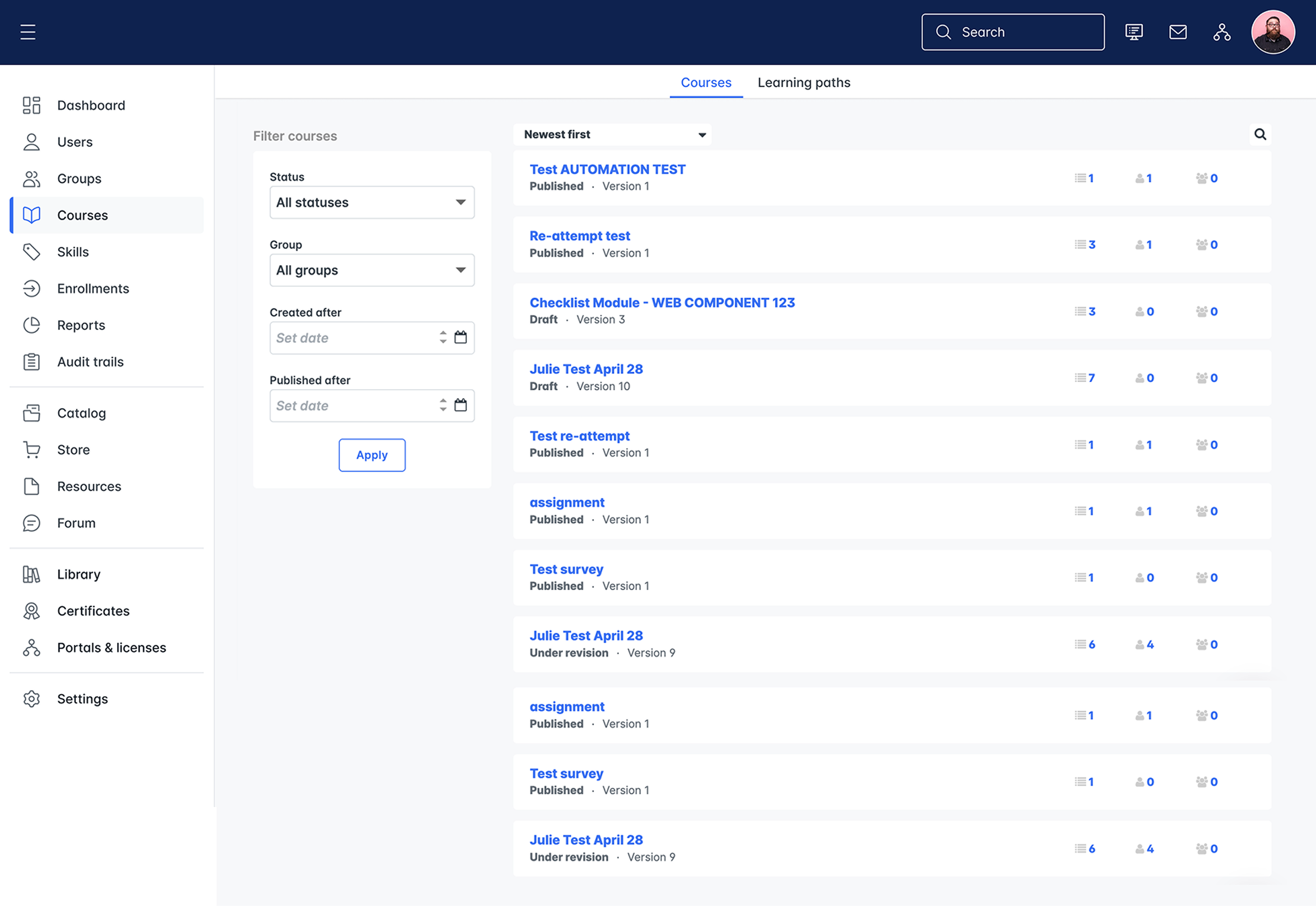
Global search was not so popular among admins. Admins tended to use built-in search functions within specific sections because the global search was inconvenient and ineffective.
Discovery & Research
Since search was a recurring pain point across both user roles, I had access to a large volume of insights from customer success team, user interviews, and support tickets, I started by analysing all available data, which were then organised using affinity mapping method into actionable insights.
As a result I identified the following insights:
Learner Needs
- Unified search across all content types with intelligent prioritisation
- Autocomplete suggestions for popular courses and relevant content
- Search within materials to find specific files, learning content, and resources
- Clear result grouping by content type (courses, modules, resources)
- Visual metadata showing duration, difficulty, and enrollment status
Admin Needs
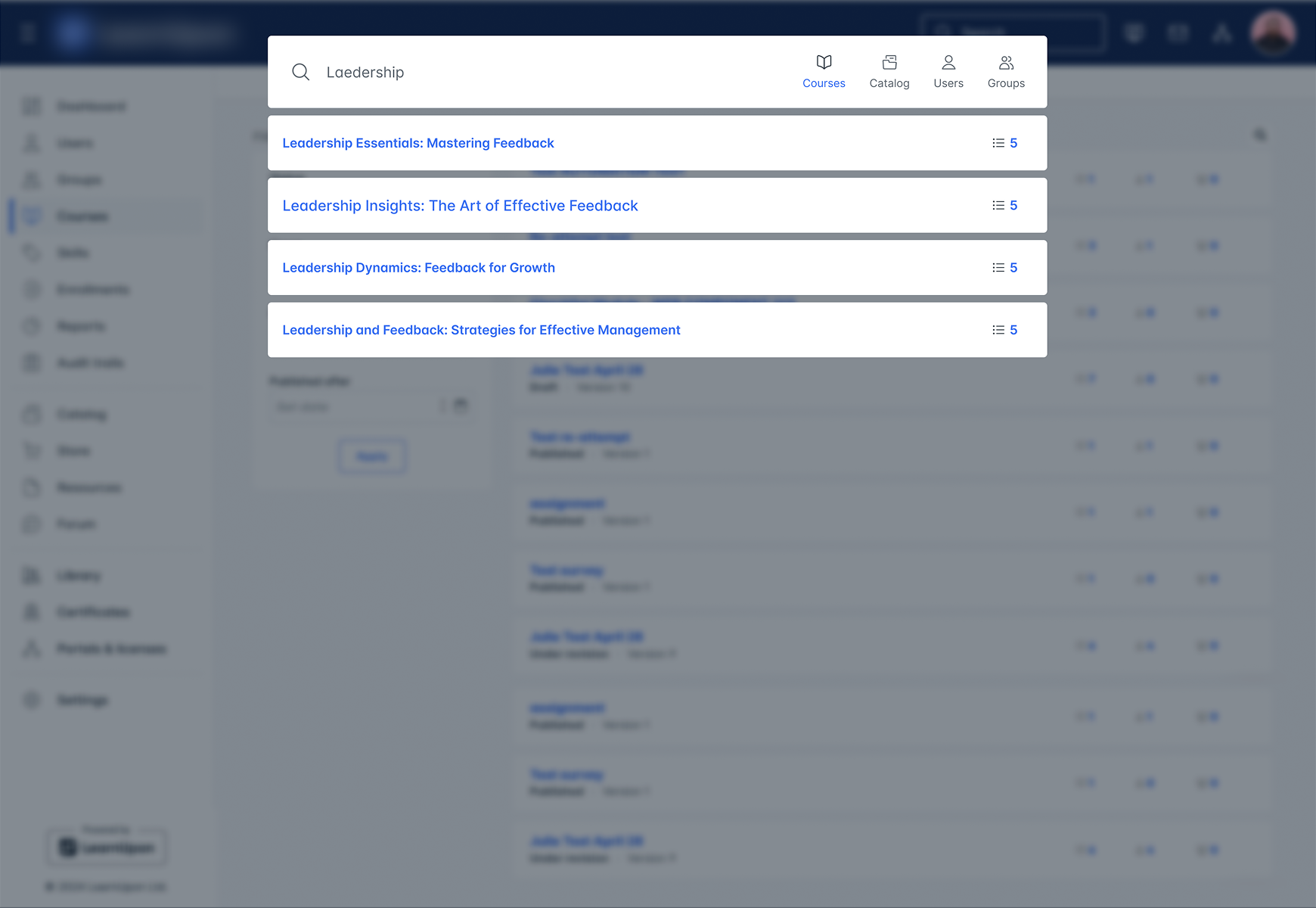
- Flexible search across users, courses, tags, and content without complex configurations
- Deep search capability within course modules, PDFs, PPTs, and resource descriptions
- Saved searches to preserve complex filter combinations
- Search history and intelligent query suggestions
- Rich metadata including enrolment counts, completion rates, Staff IDs
Design process
I explored the design space systematically through four distinct phases.
Ideation
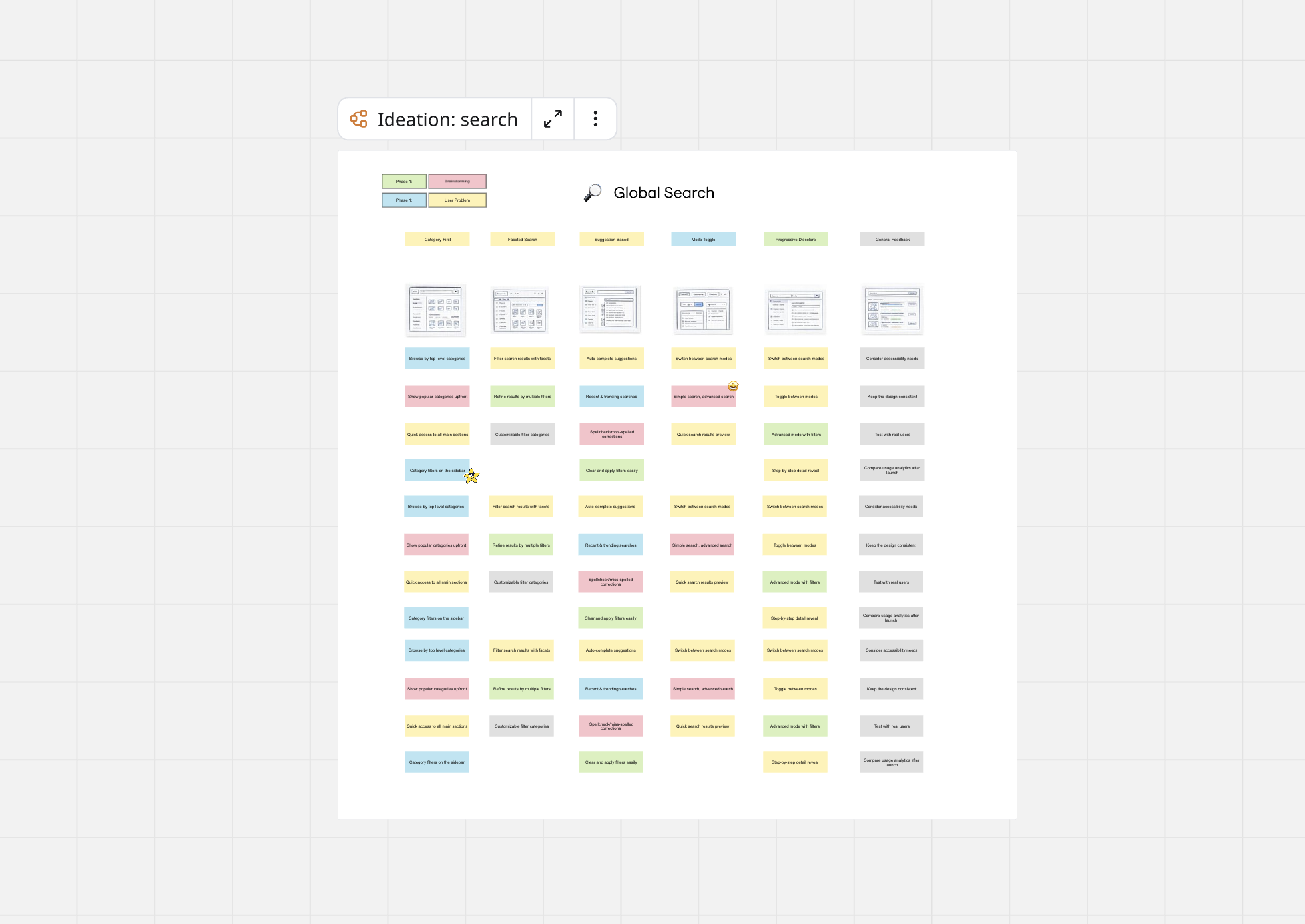
I sketched 5 different mental models including category-first, faceted search, suggestion-based, mode toggle, and progressive disclosure.
Concept Testing
Tested each approach with 3 quick sessions to identify the most promising direction.
Design
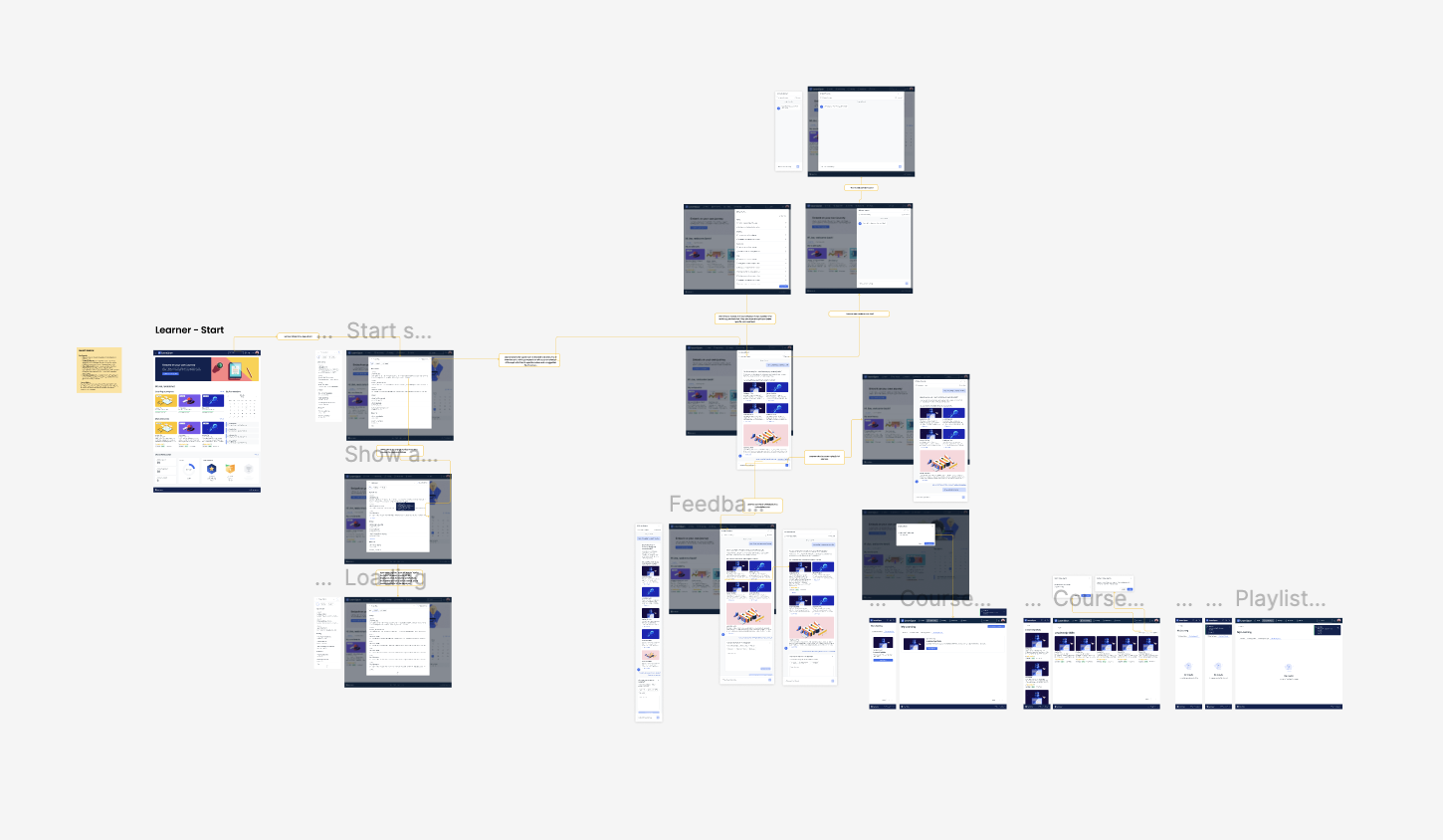
I built detailed wireframes and prototypes for both learner and admin experiences.
Final Testing & Iteration
Iterated on created wireframes and prototypes based on research insights, focusing on usability and accessibility improvements.
Phase 1: Ideation
Sketched 5 different mental models including category-first, faceted search, suggestion-based, mode toggle, and progressive disclosure approaches.
Phase 2: Concept Testing
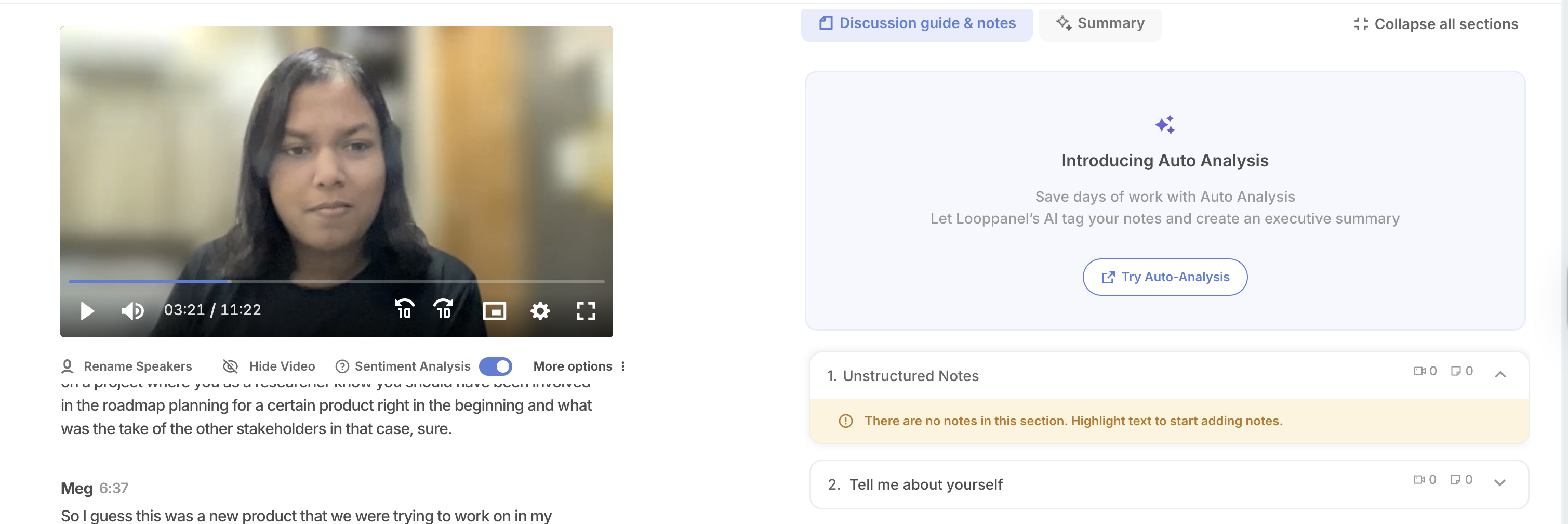
I conducted 3 quick sessions to identify the most promising direction for futher design.
Phase 3: Design
Based on the user requirements I gathered, I designed distinct but unified experiences for each user role.
Phase 4: Validation & Refinement
I conducted two rounds of moderated usability testing with 14 participants total.
ROUND 1
Mid-Fidelity Testing
8 users (4 learners, 4 admins)
Tested core search flows
ROUND 2
High-Fidelity
6 admins
Tested advanced features in the interactive prototype
Outcome
88% Approval rate
14 total participants
Improved task completion and positive feedback on content discoverability
Based on usability findings, I refined the following areas of the experience:
Renamed "Audience" → "Target Role"
Filter naming was confusing—the rename eliminated questions about intent
Added "Sort By" dropdown
Defaulted to "Relevance" for learners, "Recently Updated" for admins
Added count badges
Showing filter counts and result totals increased user confidence
Added "Save Search" feature
Reduced admin filter reconstruction time by ~60%
Result
The new search was rolled out to 3 pilot customers (around 300 users).
- Search became the #1 most-used feature (previously ranked 5th).
- Users shifted from navigation-based browsing to search-first discovery.
- Support tickets about "can't find content" dropped significantly.
Learners search
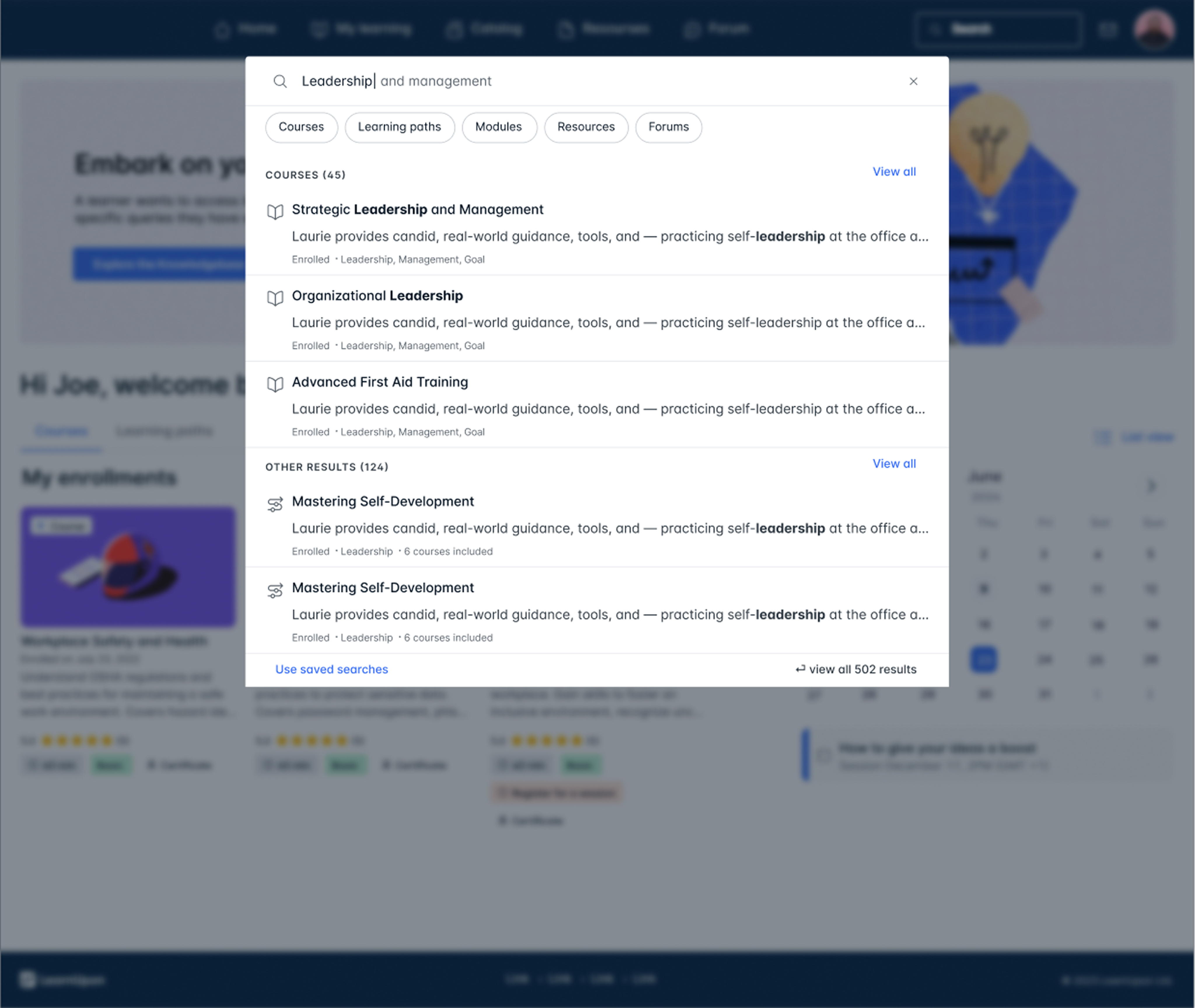
Admin search